How alerting works
- Define rules within policies: Group one or more alert rules inside an alert policy. Each rule targets a specific product and metric.
- Scheduler evaluates rules: The alerting scheduler periodically queries ClickHouse data and compares the results against your configured thresholds.
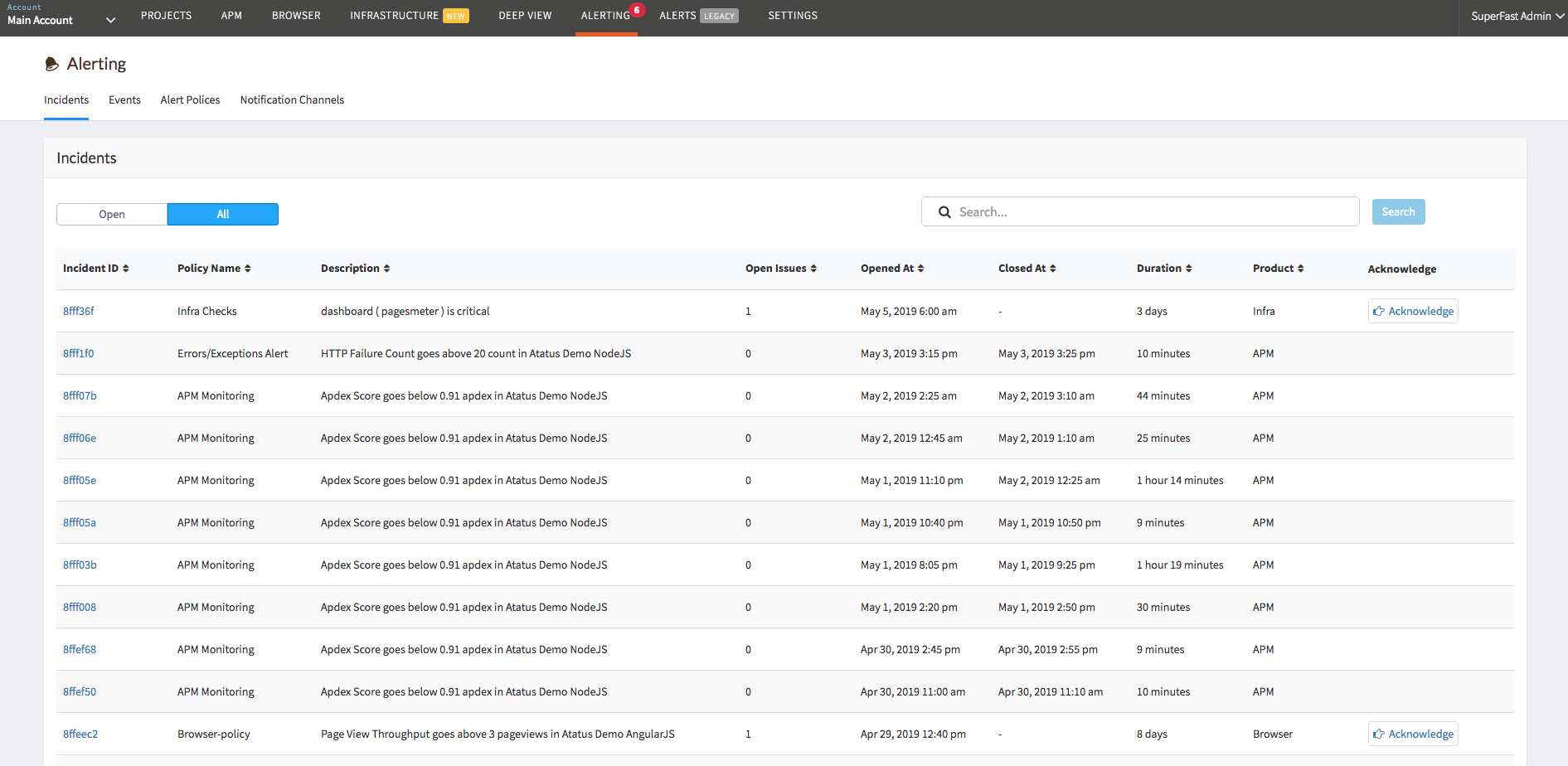
- Incidents are created: When a threshold is breached for the configured duration, an incident is opened and an event is recorded.
- Notifications are sent: Notifications are dispatched to every channel attached to the policy (email, Slack, PagerDuty, webhooks, and more).
Getting started
Alert types
- Browser Alerts: Page load times, Web Vitals, AJAX performance, transactions, JS errors
- APM Alerts: Response time, throughput, error rate, Apdex, database and external service performance
- Infrastructure Alerts: CPU, memory, disk, network, host not reporting, health checks
- Kubernetes Alerts: Pod, container, node, deployment, and workload resource metrics
- Logs Alerts: Log event count and volume with filter and group-by support
- Analytics Alerts: API request duration, throughput, and failure counts
- Baseline Alerts: Deviation from historical moving average for Browser and APM metrics
Incident management
Advanced